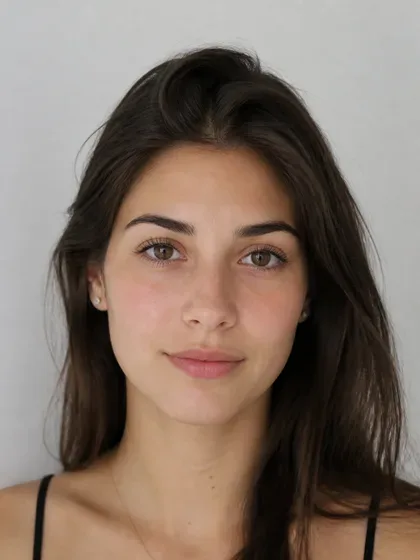
Rate My Face: What an AI Face Rating Really Tells You
Learn what an AI face rating can and cannot tell you, why photos change scores, and how to prepare and interpret results responsibly.
A “rate my face” tool provides an AI-generated appearance assessment based on visible information in a submitted photo. Depending on its design, it may consider facial proportions, symmetry, face outline, feature spacing, and presentation. The result is an estimate, not an objective measure of attractiveness.
Your score can change with lighting, camera distance, angle, expression, crop, grooming, and image quality. Use it as informational feedback about one image, not as a verdict on your appearance, health, personality, or personal worth.
What a face rating measures, and what it cannot decide
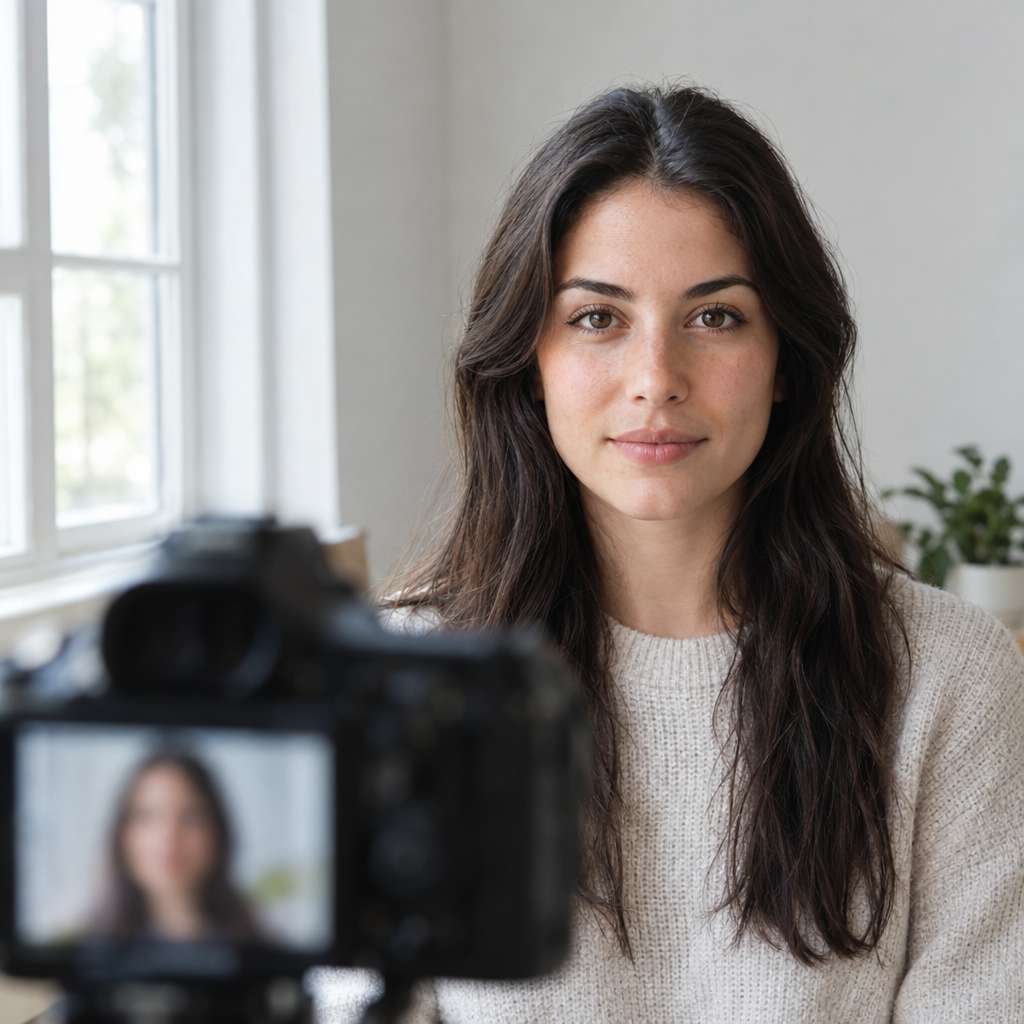
A face rating combines observations about a photograph with a system’s interpretation of those observations. Personal preferences add another layer. These are three different things:
- Observation: The visible gap between the eyes can be described relative to the visible width of the face in that photograph.
- Interpretation: A rating system may assign that relationship more or less importance when calculating its result.
- Preference: An individual viewer may like that relationship, feel neutral about it, or not notice it at all.
The observation describes the image. The interpretation reflects the system’s scoring framework. The preference belongs to the viewer. None of these layers establishes an ideal eye-spacing ratio or a universal standard of attractiveness.
Two common areas of analysis further illustrate this distinction:
- Facial proportions and ratios describe relationships between selected widths, lengths, or distances. Comparing those measurements with a golden ratio does not establish a universal beauty standard.
- Apparent facial symmetry describes visible correspondence across the face in an image. Pose and expression can affect that correspondence, and symmetry alone does not determine attractiveness.
Preferences vary between people, cultures, and situations. A face rating cannot establish universal appeal or reliably reveal someone’s health, personality, intelligence, or worth.
Four ways to understand your result
Before interpreting a number, sort the feedback into four categories. This helps separate what is visible from what the system assumes it means.
1. Observable facial geometry
This includes relationships such as eye spacing relative to face width and face length relative to cheekbone width.
These observations can describe the image, but a photograph is a two-dimensional view of a three-dimensional face. An apparent measurement is not automatically an accurate measurement of the underlying anatomy.
2. Changeable presentation
This includes hairstyle or facial-hair framing, makeup, grooming, and expression.
For example, a fringe may cover the forehead boundary, while a smile raises the cheeks. Neither is an error. They simply change the information available in the photo.
3. Photo-capture effect
This includes camera distance, camera height, head rotation, shadows, and crop.
A close camera can make nearer features look larger relative to farther ones. Strong side lighting can make contours look more pronounced without changing facial structure.
4. Subjective or model interpretation
This includes labels such as “balanced” or “harmonious” and the importance assigned to each feature in an overall score.
These are interpretations rather than direct measurements. Model design and training data can influence which patterns a system favors, so its preferences are not universal standards.
Read descriptive observations first. “The forehead boundary is partly covered” is more useful for choosing a photo than a broad label such as “low balance.”
Which traits stay similar, and which change with the photo?
Over a short interval, underlying feature spacing and facial structure usually remain similar. Their appearance in an image can still change. The table distinguishes relatively stable relationships from impressions that are especially sensitive to photography.
| Variable | Typical stability | Main photographic influences |
|---|---|---|
| Feature spacing | Relatively stable | Head rotation, perspective |
| Face outline | Relatively stable | Pose, hair, beard, crop |
| Apparent symmetry | Strongly photo-dependent | Rotation, expression, shadows, alignment |
| Jaw definition | Strongly photo-dependent | Lighting, posture, angle, perspective |
| Eye prominence | Strongly photo-dependent | Expression, camera height, shadows, distance |
| Nose prominence | Strongly photo-dependent | Close distance, perspective |
| Skin texture visibility | Strongly photo-dependent | Lighting, sharpness, processing, compression |
| Facial expression | Strongly photo-dependent | Smiling, squinting, brow movement |
“Relatively stable” does not mean immune to distortion. A turned head can make feature spacing look unequal, while hair or facial hair can obscure the natural outline.
Likewise, “strongly photo-dependent” does not mean the underlying feature changes. Nose prominence may increase in a close selfie because the nose is nearer the camera than the ears. Expression also changes the visible positions of the eyes, cheeks, and mouth, affecting several impressions at once.
How to take a suitable face-analysis photo
For descriptive analysis, aim for a clear, straightforward image rather than the most dramatic or polished portrait.
- Place the camera at approximately eye level. A high or low camera changes the view of the forehead, eyes, chin, and jaw.
- Look straight ahead. Keep your head upright, without tilting or turning it. Let your shoulders rest naturally.
- Use a relaxed expression. Avoid deliberately squinting, clenching your jaw, or pursing your lips.
- Choose even frontal lighting. Face a window with indirect daylight or use a soft light near the camera. Avoid a strong shadow across part of the face.
- Keep important boundaries visible. Move hair away from the forehead and cheeks where practical. Keep hands out of the way and reduce glasses glare.
- Use roughly 1 to 2 meters of camera distance when space allows. A timer or stable phone support can help. Keep enough image detail for the face to remain clear.
- Step back and crop afterward. Avoid a close wide-angle selfie. Short camera distance can exaggerate central features and make farther features look smaller.
- Keep the full face in the final image. Do not cut off the forehead, chin, or cheek boundaries. Avoid strong filters, beauty effects, and aggressive retouching.
Distance is the key perspective variable here. A wide-angle lens often encourages close framing, but changing lenses without changing the camera position does not remove the perspective created by that position.
This setup reduces avoidable photographic variation. It does not turn a subjective appearance rating into an objective one.
Why face scores vary between photos and tools
A different score does not necessarily mean a meaningful difference in appearance. Several inputs may have changed:
- Lens perspective and distance: A close viewpoint changes the relative size of nearer and farther features.
- Head rotation: Even a small turn changes visible cheek width and feature alignment.
- Uneven lighting: Shadows can deepen contours, soften boundaries, or create an impression of unevenness.
- Expression: Smiling, squinting, or raising the brows shifts visible facial relationships.
- Crop: Tight framing can remove useful boundaries or change how the system locates and scales the face.
- Image processing: Sharpening, smoothing, compression, filters, and exposure adjustments alter visible detail.
- Model design: Tools may use different inputs, feature priorities, scoring conventions, and reference patterns.
Scores from separate systems are not necessarily comparable, even if both use a scale out of 10. A 7 from one system is not automatically equivalent to a 7 from another. There is no universal conversion between them.
A two-photo check for image sensitivity
If you want to see how camera distance may affect a result, use one controlled comparison rather than repeatedly seeking a preferred score.
- Use the same rating tool and analysis mode. Changing the tool or mode introduces another variable, so the two results would no longer isolate the same comparison.
- Keep the equipment consistent. Use the same camera and the same lens for both images. Do not switch between a phone’s wide, standard, and telephoto cameras.
- Take the first photo from approximately 1 meter away. Place the camera at eye level and use a relaxed expression with soft frontal light.
- Take the second photo from approximately 2 meters away. Keep the same camera, lens, camera height, head angle, expression, background, and lighting.
- Crop both photos to similar final framing. Keep the forehead, chin, and cheek boundaries visible, and make the displayed face size reasonably similar without using filters or different processing.
- Run both images through the same analysis. Compare which descriptions stayed similar and which changed. If scores are provided, consider their variation alongside the written feedback.
If you test a different variable, such as lighting, keep camera distance fixed along with the camera, lens, pose, expression, and analysis mode. Change only the variable you intend to compare.
A changed result demonstrates sensitivity to the images or analysis method, not a change in the person. It also does not identify the precise cause of the score difference, since small uncontrolled differences may remain. An unchanged result does not prove that the score is objectively correct. Stop after the two-photo comparison; it is a practical illustration, not a validation of the system.
Turn feedback into neutral presentation choices
Useful feedback should support a specific goal, such as choosing a profile photo or exploring face framing. It should not become an instruction to correct natural features.
Match the observation to a controllable choice:
- The upper or lower face looks unusually emphasized: Move the camera to eye level before drawing conclusions about proportions.
- Central features look more prominent than expected: Step back from the lens and crop later.
- The face outline is difficult to see: Move hair away for analysis. For styling, compare a different part or face-framing arrangement to see which you prefer.
- Contours or skin texture look unusually strong: Use softer frontal light instead of harsh side lighting.
- The expression feels tense or unrepresentative: Relax the brows and jaw. For a social portrait, choose a natural expression that suits how you want to present yourself.
The goal matters. A neutral expression makes descriptive comparisons easier, while a natural smile may suit a social photo better. Neither is the universally “correct” way to look.
Treat comments about proportions, symmetry, or balance as descriptions or interpretations of an image, not instructions to alter your face.
Check privacy before uploading a face photo
A face image is personal information. Before using any photo-analysis service, read its current privacy information and ask four questions:
- Are images stored, and for how long? Look for information about both uploaded photos and associated analysis data.
- How does deletion work? Check whether you can request removal and what the stated deletion process covers.
- May uploads be reused? Look for terms covering service improvement, model training, marketing, or other purposes, including any choices available to you.
- What consent or age rules apply? Check restrictions involving minors and permission requirements for images of other people.
Only upload an image you have the right to use. If someone else is identifiable, obtain their informed consent for that use. Do not assume that different services have the same storage, deletion, reuse, or age policies.
Try a personalized face rating with context
If you want an AI-generated assessment of your own photo, use Facefy’s Rate My Face. Read the result as an estimated appearance analysis of the submitted image, not proof of how attractive other people will find you.
Use one suitable photo and read any descriptive feedback before focusing on the overall number. The photo guidance above can reduce avoidable variation, but it cannot remove subjectivity or model limitations.
Rate My Face FAQ
Is an AI face rating accurate?
It depends on what you mean by accuracy. A tool may identify some visible patterns, but its reliability depends on the image and system. It cannot provide an objectively correct or universally valid attractiveness judgment.
Can a face score identify face shape?
A number alone cannot tell you your face shape. Some analyses include a separate shape description based on visible length, widths, and jaw contour. Those categories are approximate and can overlap; hair, pose, and framing can affect the result.
Should I take a low score seriously?
Not as a verdict on your attractiveness or worth. Consider whether the result contains any neutral, useful observation related to your goal. If it offers only a discouraging number, there may be nothing useful to act on.
If scoring leaves you feeling worse or wanting to keep checking, step away. A photo assessment should serve a practical purpose, not become a measure of how you feel about yourself.