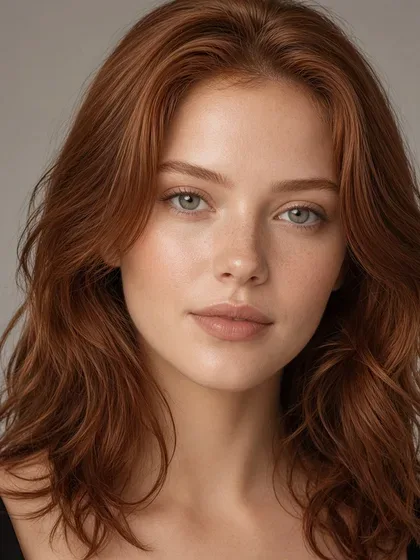
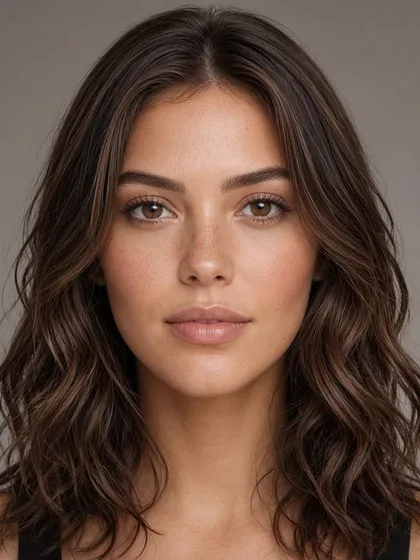
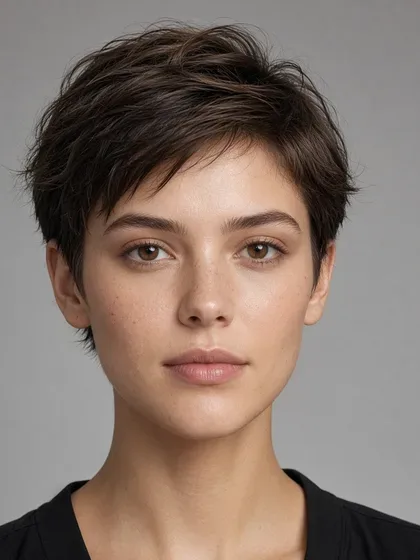
TRY NEW HAIR COLORS ON YOUR SELFIE
Hair Color Try-On
Upload one selfie and preview different hair colors on your face. Explore blonde, brunette, black, red, copper, and more before changing your hair color.


Use a clear, front-facing selfie with good lighting and your face fully visible.
How it works
How it works
- 01
Upload Your Selfie
Choose a clear photo where your face and hair are easy to see. For the most natural-looking experience, use good lighting and avoid strong filters.
- 02
Tell Us About the Look You Want
Explore different hair color directions and tell Facefy what kind of change you are considering.
- 03
Discover Your New Hair Color
See different hair colors on your photo and compare shades before deciding which direction suits you best.
Guide
Try a New Hair Color Before You Dye It
Changing your hair color can completely transform your appearance.
A new shade can make your eyes stand out differently, change the contrast around your face and create a completely different overall style.
But choosing a new color from a small salon swatch or a photo of someone else can be difficult.
A shade that looks amazing on one person may create a completely different effect on you.
That is where a Hair Color Try-On becomes useful.
Facefy lets you explore different hair colors directly on your own photo so you can get a better idea of how a new shade could change your appearance before making a real-world decision.
Whether you are considering blonde, brunette, black, red, copper or something more adventurous, trying the color virtually gives you an easier way to compare possibilities.
What Is a Virtual Hair Color Try-On?
A virtual hair color try-on allows you to preview different hair colors using a photograph of yourself.
Instead of imagining what a particular shade might look like, you can see a visual representation directly around your own face.
This makes experimenting much easier.
You can compare a darker brunette with a lighter brown.
You can see how blonde changes the contrast around your features.
You can experiment with copper or red without committing to a permanent dye.
The purpose is not to reproduce the exact result of a professional coloring session.
Real hair color depends on your starting shade, hair condition, coloring technique and products used.
The purpose of a virtual hair color simulator is to help you answer the more immediate question:
“Would I like myself with this type of hair color?”
What Hair Color Would Suit Me?
There is no single hair color that every person with similar features should choose.
Several factors can influence which shades you personally prefer.
Your natural coloring matters.
The contrast between your hair and skin can change the overall impression of your face.
Your eye color can interact differently with warm and cool shades.
Your hairstyle also changes how much hair surrounds your face and therefore how strongly the color affects your appearance.
Personal style matters just as much.
Some people want a natural shade that blends easily with their existing coloring.
Others deliberately want contrast.
Facefy's Hair Color Try-On gives you a way to compare those possibilities visually rather than relying only on general rules.
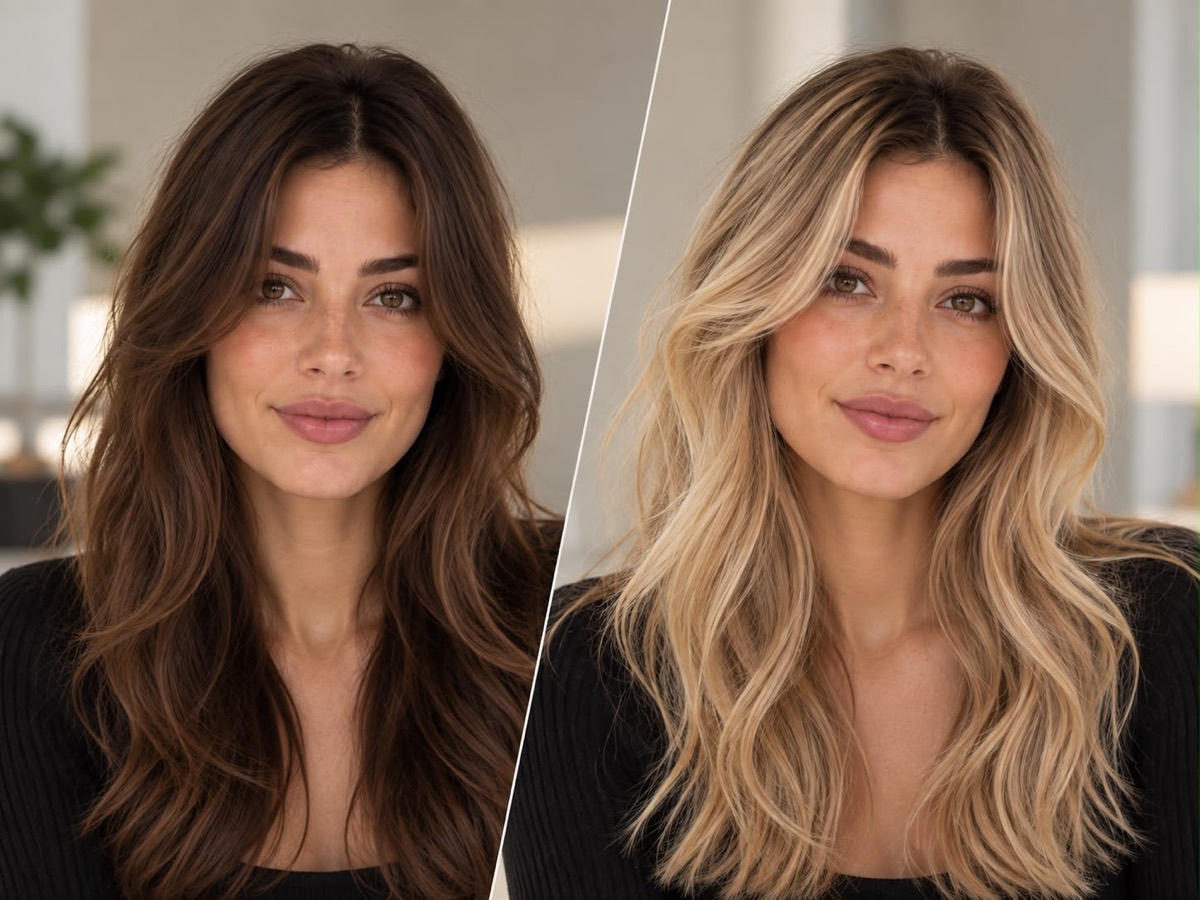
If you want to explore your natural coloring first, Facefy's Color Analysis can help you understand your personal color direction before experimenting with individual hair shades.
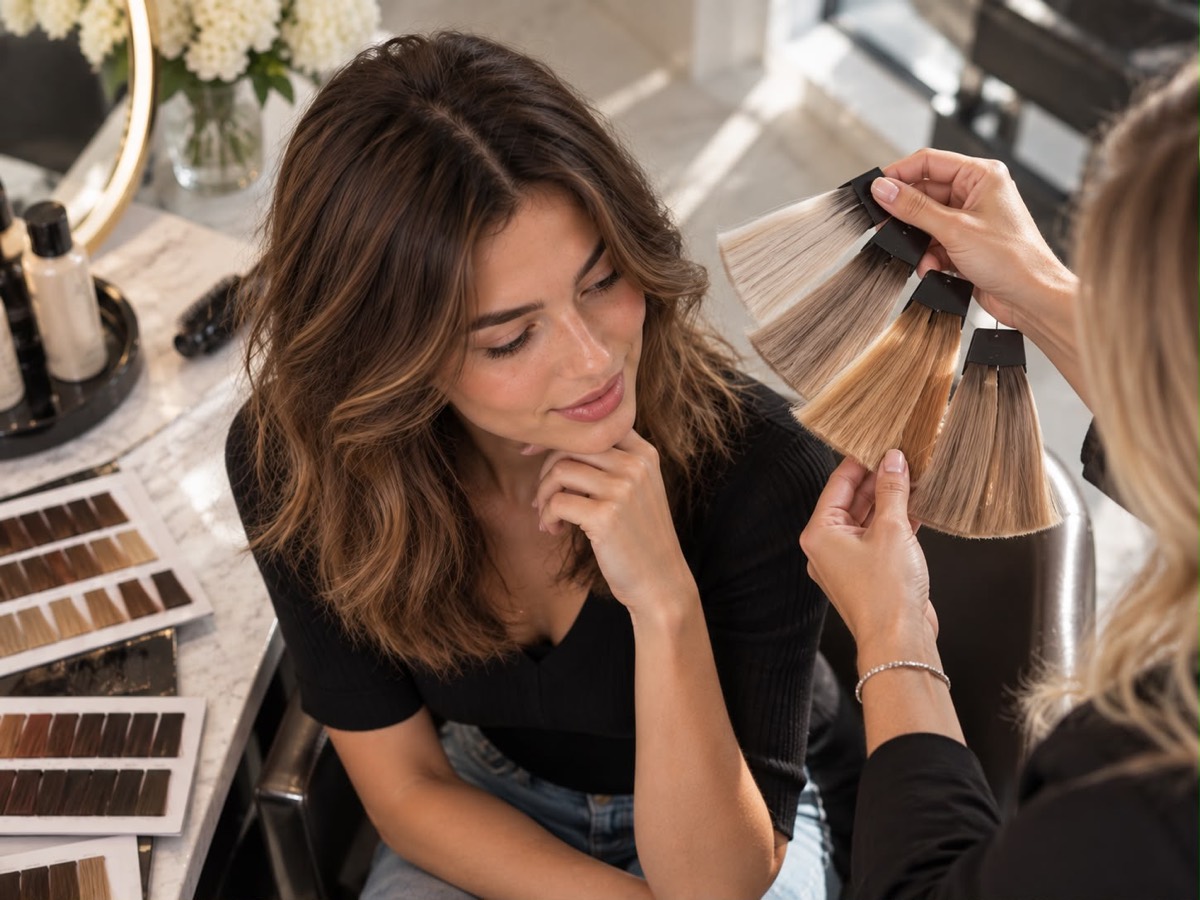
Try Blonde Hair on Your Photo
Going blonde can create one of the most noticeable hair transformations.
But “blonde” is not one color.
There are many different directions, including:
- platinum blonde,
- ash blonde,
- golden blonde,
- honey blonde,
- beige blonde,
- sandy blonde,
- strawberry blonde,
- and darker blonde shades.
The difference between a cool ash blonde and a warm golden blonde can be significant.
One may create softer contrast with your natural coloring while another makes your face appear more defined.
This is why simply asking “Would blonde suit me?” may not be specific enough.
A better question is:
“Which type of blonde do I prefer on myself?”
Virtual try-on makes that comparison much easier.
Try Brunette Hair Colors
Brunette shades range from relatively light brown to extremely deep brown.
They can also contain warm, cool or neutral undertones.
A chocolate brown can create a different effect from an ash brown.
Chestnut can introduce warmer reddish tones.
Espresso brown can create much stronger contrast around the face.
If your natural hair is lighter, trying brunette shades can help you visualize what a darker overall frame would look like.
If you already have brown hair, you can use the tool to explore whether you prefer moving lighter, darker, warmer or cooler.
Small color changes can sometimes create a surprisingly noticeable difference.
See Yourself With Black Hair
Black hair creates strong visual contrast for many people.
Depending on your natural coloring, that contrast can make facial features appear more pronounced.
But black also has variations.
A soft natural black does not necessarily create the same impression as an intense blue-black shade.
If you have never had very dark hair, moving directly to black can feel like a major commitment.
Trying it virtually first allows you to see whether you like the stronger frame around your face before considering a permanent change.
Try Red and Copper Hair
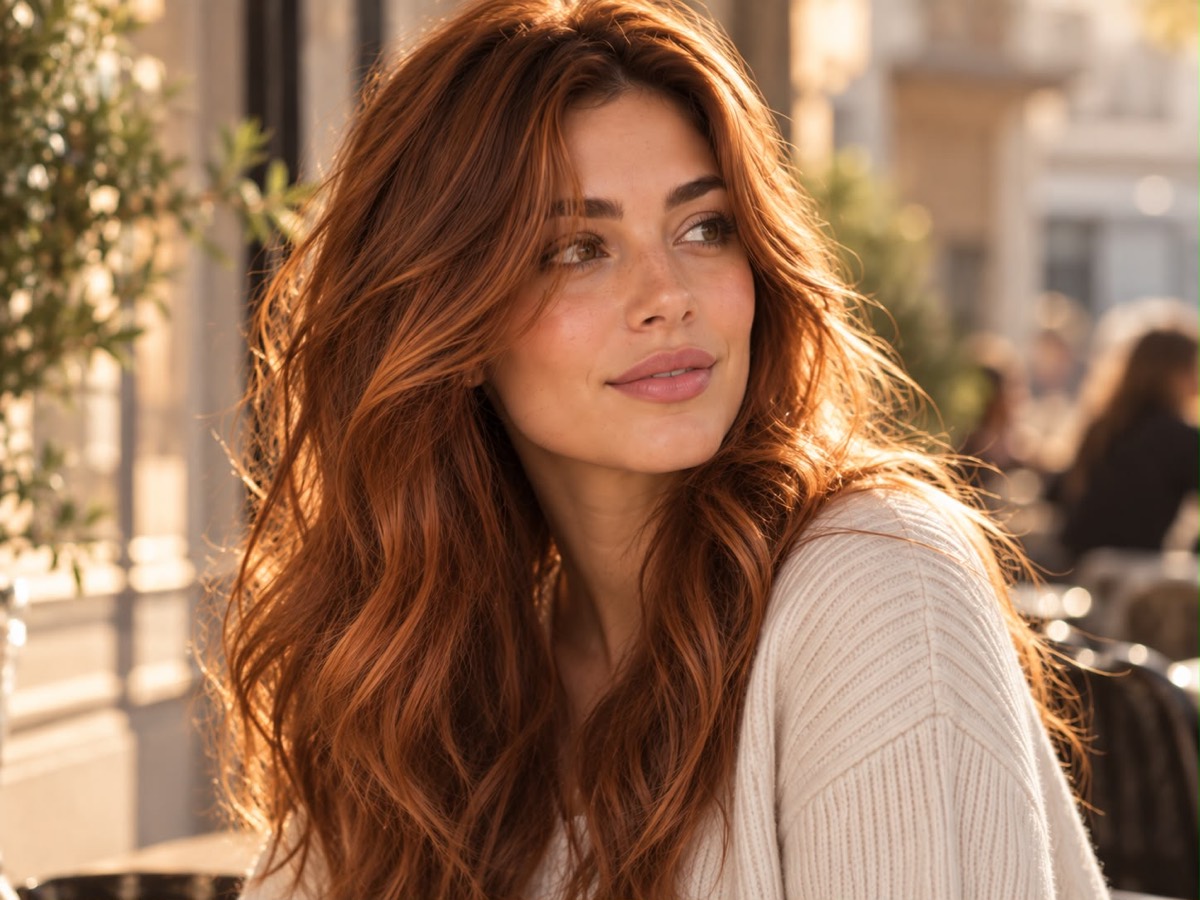
Red and copper shades can dramatically change the warmth of your overall appearance.
Copper can range from subtle warm tones to bright, vivid orange-red shades.
Red hair can include auburn, cherry, burgundy and deeper wine-inspired colors.
These shades interact strongly with skin tone and overall coloring.
A warm copper may create harmony with some complexions, while a deeper auburn can create a completely different level of contrast.
Instead of choosing based only on inspiration photos, try several variations on your own face.
The shade you initially expected to prefer may not be the one you like most once you actually see it on yourself.
Warm vs. Cool Hair Colors
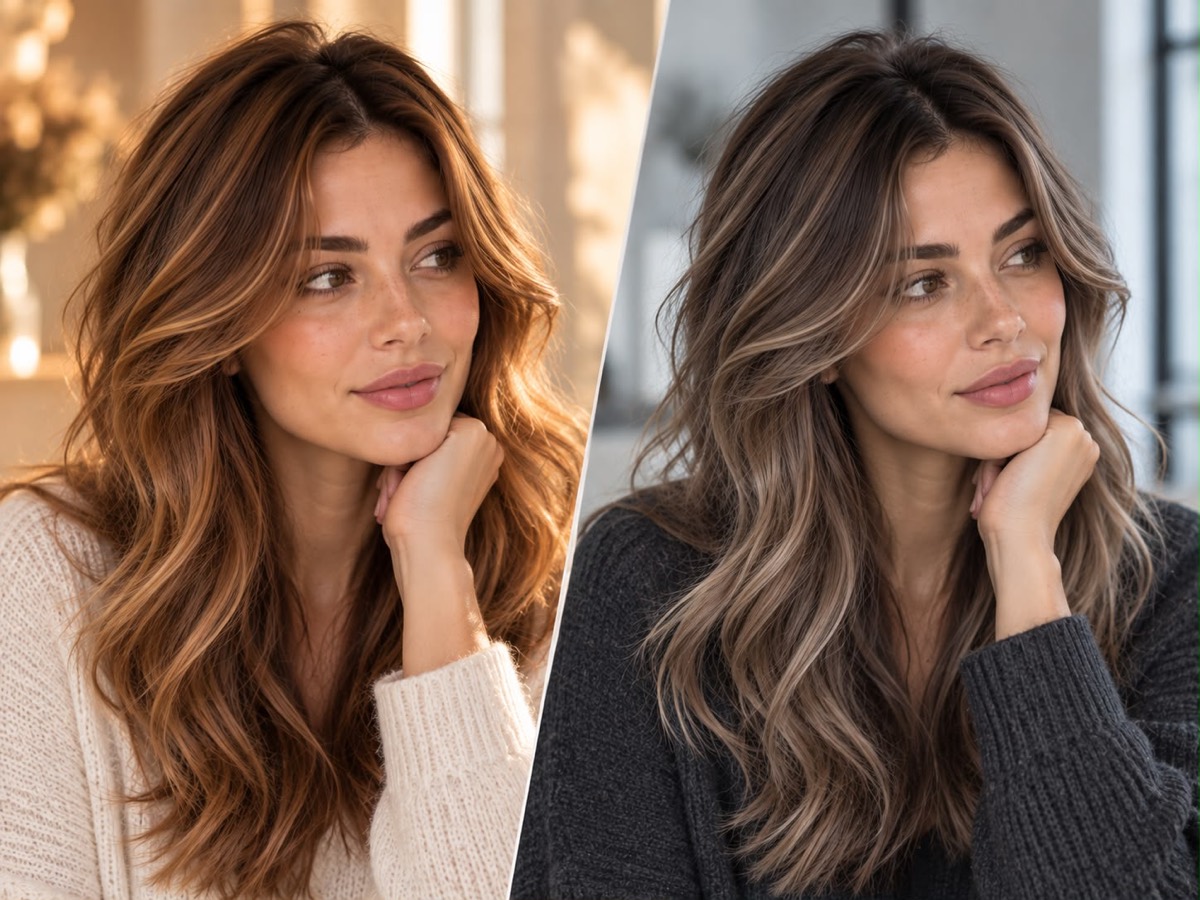
One useful distinction when choosing hair color is between warm and cool tones.
Warm shades can include golden blonde, honey, caramel, warm brown, copper and certain reds.
Cool shades can include ash blonde, ash brown, cool brunette and blue-black.
Neutral shades sit somewhere between the two.
Your natural skin undertone can provide one direction for choosing between these families, although it should never be treated as an absolute rule.
Some people prefer harmonious colors that closely complement their natural undertones.
Others deliberately choose contrast.
If you are unsure whether your coloring appears warmer, cooler or more neutral, the Color Analysis can provide additional context.
Then use Hair Color Try-On to decide which shades you actually prefer visually.
Hair Color and Skin Tone
Hair sits directly around the face, which means its color affects the contrast surrounding your skin.
A very dark shade can increase visible contrast.
A lighter shade can soften it.
Warm colors can emphasize different tones than cooler colors.
However, skin tone should not be reduced to simplistic rules such as “this complexion must wear this hair color.”
Real appearances are more complex.
Two people with apparently similar skin tones can prefer completely different colors because their eyes, natural hair, contrast level and personal style differ.
Virtual try-on is useful precisely because it lets you move beyond generalized recommendations and see the color on your own face.
Hair Color and Eye Color
Hair color can also change how noticeable your eyes appear.
This does not mean that each eye color has one ideal hair shade.
Instead, different combinations create different levels of contrast and harmony.
A warmer hair shade may bring attention to certain tones within the eyes.
A darker shade may create stronger contrast around a lighter eye color.
A lighter hair shade can create a softer overall palette.
If you are curious about the visible characteristics of your eyes themselves, Facefy's Eye Shape tool can help you explore them independently.
Your eye characteristics and hair color can then be considered together as part of your overall look.
Does Face Shape Matter When Choosing Hair Color?
Face shape matters much more directly when choosing a hairstyle than when choosing a hair color.
Hair color does not change the underlying outline of your face.
However, different coloring techniques can influence visual framing.
For example, highlights around the face can create a different effect from one uniform dark color.
Lighter sections near the front may draw attention toward specific areas.
Darker roots combined with lighter lengths create another type of visual structure.
If your main concern is how your hair frames your face rather than its color, first identify your shape with Facefy's Face Shape Detector.
You can then explore suitable cuts using the Hairstyle Finder.
Hair Color and Hairstyle Work Together
Color is only one part of your hair transformation.
The same shade can look completely different depending on the haircut.
A platinum blonde pixie cut creates a very different overall appearance from long platinum blonde waves.
A deep brunette bob frames the face differently from long layered brunette hair.
That means the best way to plan a significant hair transformation may be to explore both variables separately.
First, use Facefy's AI Hairstyle Try-On to visualize different cuts and lengths.
Then experiment with Hair Color Try-On to explore color directions.
You may discover that you like a particular shade much more with one hairstyle than another.
Should You Match Your Natural Hair Color?
Not necessarily.
Some people want their new shade to look extremely natural.
Others want a visible transformation.
If your goal is subtle, you might experiment with colors relatively close to your natural shade.
For example, a medium brunette could explore lighter brown, chocolate, chestnut or darker espresso directions.
If your goal is dramatic change, you can move much further.
A brunette can preview platinum blonde.
A blonde can try black.
Someone with naturally dark hair can explore copper or vivid red.
A virtual hair color changer allows you to experiment without commitment.
There is no risk in trying a color on a photo.
Can You Try Unnatural Hair Colors?
Hair color experimentation does not have to stop with natural shades.
Depending on the options available in the experience, virtual try-on can also be useful for exploring more creative directions such as pink, blue, purple or other vivid colors.
These shades can be particularly difficult to imagine because most people have never seen themselves with them.
A virtual preview gives you an immediate reference.
You may decide that a bold color suits your style.
Or you may discover that you prefer it as inspiration rather than a permanent change.
Either result is useful before committing to a difficult or expensive coloring process.
Why Hair Color Looks Different in Different Lighting
Hair color can change dramatically depending on light.
A brunette shade may appear nearly black indoors and considerably warmer in direct sunlight.
Blonde hair can look cooler under one light source and more golden under another.
Red and copper shades are particularly sensitive to lighting.
This is important when using any virtual hair color tool.
Your preview should be treated as a visual guide, not an exact guarantee of how dye will appear under every condition.
Professional coloring results also depend on your starting hair color, previous treatments and the specific products used.
Use Facefy to choose a direction.
Use a professional colorist when you need advice about achieving that result safely on your actual hair.
Why Your Starting Hair Color Matters in Real Life
A virtual preview can show you what a target color might look like.
Achieving that color physically is a different question.
Moving from blonde to brunette may be relatively straightforward in some situations.
Moving from very dark hair to platinum blonde can require significant lightening and potentially multiple salon sessions.
Previously colored hair can behave differently from untreated hair.
Hair condition also matters.
Facefy's role is to help you visualize the appearance of a potential color.
It cannot determine the exact chemical process required to achieve it.
For major transformations, showing your preferred virtual result to a professional colorist can provide a useful starting point for the conversation.
Use Hair Color Try-On Before Your Salon Appointment
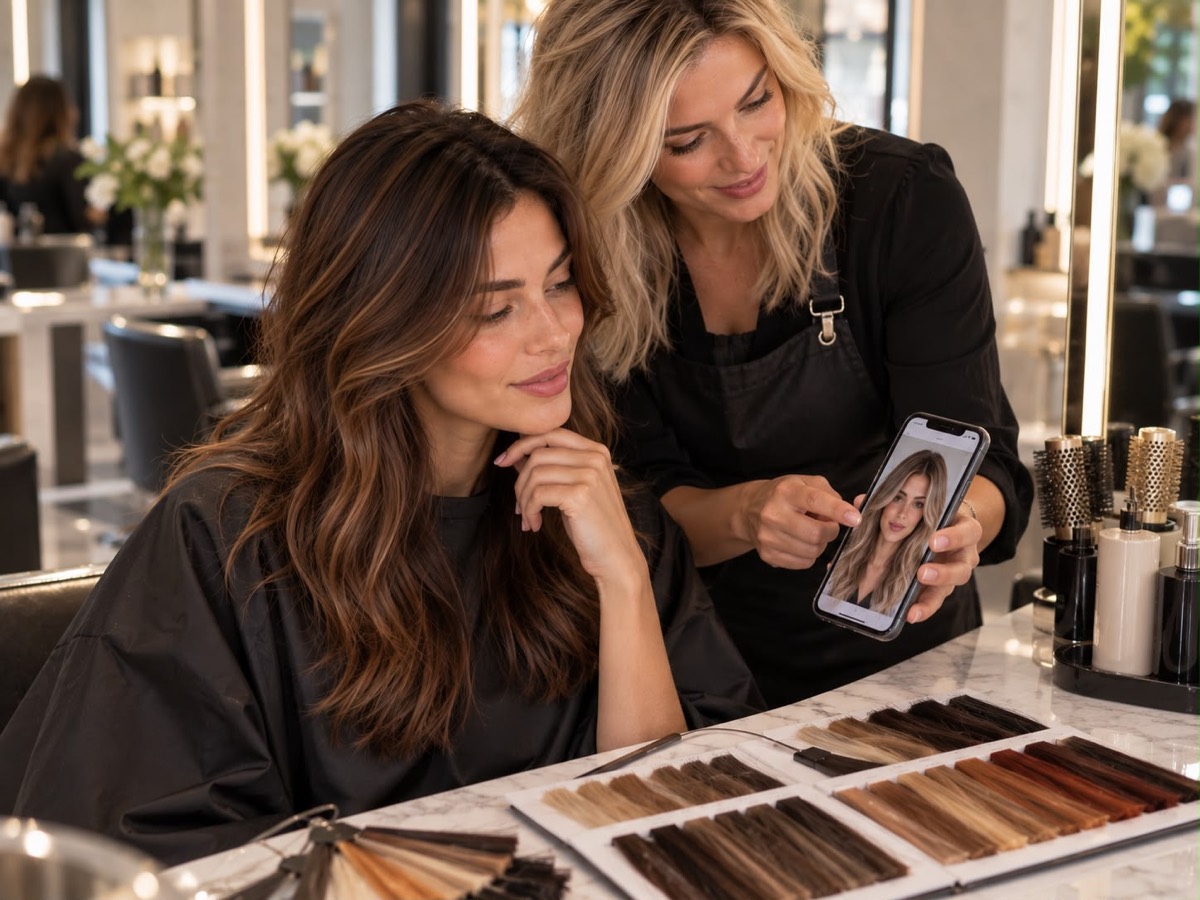
One of the most practical uses of a hair color simulator is preparing for a salon visit.
Describing color verbally can be difficult.
“Light brown” can mean very different things to different people.
Even terms such as caramel, honey or chocolate can cover a wide range of shades.
If you experiment before your appointment, you can narrow down the direction you actually want.
You can compare light and dark options.
You can decide whether you prefer warm or cool tones.
You can identify whether you want a subtle adjustment or dramatic transformation.
A virtual result does not replace a professional consultation, but it can make that consultation much more productive.
What Photo Should You Use for Hair Color Try-On?
Choose a photograph where both your face and hair are clearly visible.
For the best visual experience:
- Use a clear, sharp photo.
- Face the camera naturally.
- Keep most of your hair visible.
- Use even or natural lighting.
- Avoid strong colored lighting.
- Avoid beauty filters that alter your hair or face.
- Avoid photos where your hair is heavily covered.
- Use a recent image that represents your current appearance.
Natural lighting is particularly useful because it gives you a more neutral starting point for comparing colors.
Find Your Complete Hair Look With Facefy
Changing your hair becomes much easier when you can explore different parts of the decision separately.
Start with Facefy's Color Analysis if you want to understand which color families may complement your natural coloring.
Use the Hair Color Try-On to compare actual shades on your own photo.
If you are also considering a new cut, use the Hairstyle Finder to discover hairstyle ideas and the AI Hairstyle Try-On to visualize them.
For a broader understanding of your facial structure before changing your look, Facefy's Face Report brings multiple facial characteristics together.
You do not need to guess what a transformation might look like.
Explore it first, compare your options and choose the direction that feels right for you.
FAQ
Frequently asked questions
Can I try different hair colors on my photo?
Yes. Facefy's Hair Color Try-On lets you explore different hair colors using your own photo before making a real-world change.
What hair color would suit me?
The answer depends on your natural coloring, contrast, eyes, hairstyle and personal preferences. Facefy's Color Analysis can help you explore your color direction before comparing individual shades.
Can I see myself with blonde hair?
Yes. You can explore different blonde directions, from lighter platinum and ash shades to warmer golden, honey and darker blonde tones.
Can I try brunette or black hair?
Yes. Hair Color Try-On can help you compare darker color directions and see how stronger contrast changes the appearance of your face.
Can I try red or copper hair?
Yes. Virtual try-on is particularly useful for experimenting with noticeable transformations such as copper, auburn and red shades before committing to dye.
Should I choose a warm or cool hair color?
Your natural undertone can provide useful guidance, but it is not an absolute rule. Try both warm and cool directions to see which you personally prefer.
Does my face shape affect which hair color suits me?
Face shape generally has a stronger influence on hairstyle than hair color. If you want to explore your shape, use Facefy's Face Shape Detector.
Can I try a new hairstyle and hair color together?
You can explore your haircut separately using Facefy's AI Hairstyle Try-On and then experiment with different color directions.
Is virtual hair color exactly the same as real hair dye?
No. A virtual preview is a visual simulation. Real results depend on your starting hair color, hair condition, previous treatments, dye formulation and lighting.
What photo should I use?
Use a clear, recent photo with your face and hair visible, natural or even lighting and no strong filters.
Can I show my virtual hair color to my hairstylist?
Yes. A virtual result can be useful for communicating the general direction you like, although your colorist should determine what is realistically achievable with your current hair.
See your next hair color before you commit
Upload one selfie and preview blonde, brunette, copper, and more on your face.
Try colors freeNo signup required · Your photo stays private