AI Hairstyle for My Face Shape: A Practical Preview Guide
Learn how to estimate your face shape, compare AI hairstyle previews fairly, check realism, and turn favorites into a salon-ready plan.
To find an AI hairstyle for your face shape, use AI in two stages. First, estimate your face shape from a clear, straight-on photo. Then compare hairstyle previews while changing one feature at a time, such as length, part, fringe, layers, or volume.
Face shape is a starting point, not a rule. Assess each preview against your real hair texture, density, hairline, routine, and personal style before choosing a direction.
The most useful result is not an app declaring one “perfect” haircut. It is knowing which details you prefer, why they change the framing of your face, and what to discuss with a stylist.
Start With a Photo That Shows Your Face Shape Clearly
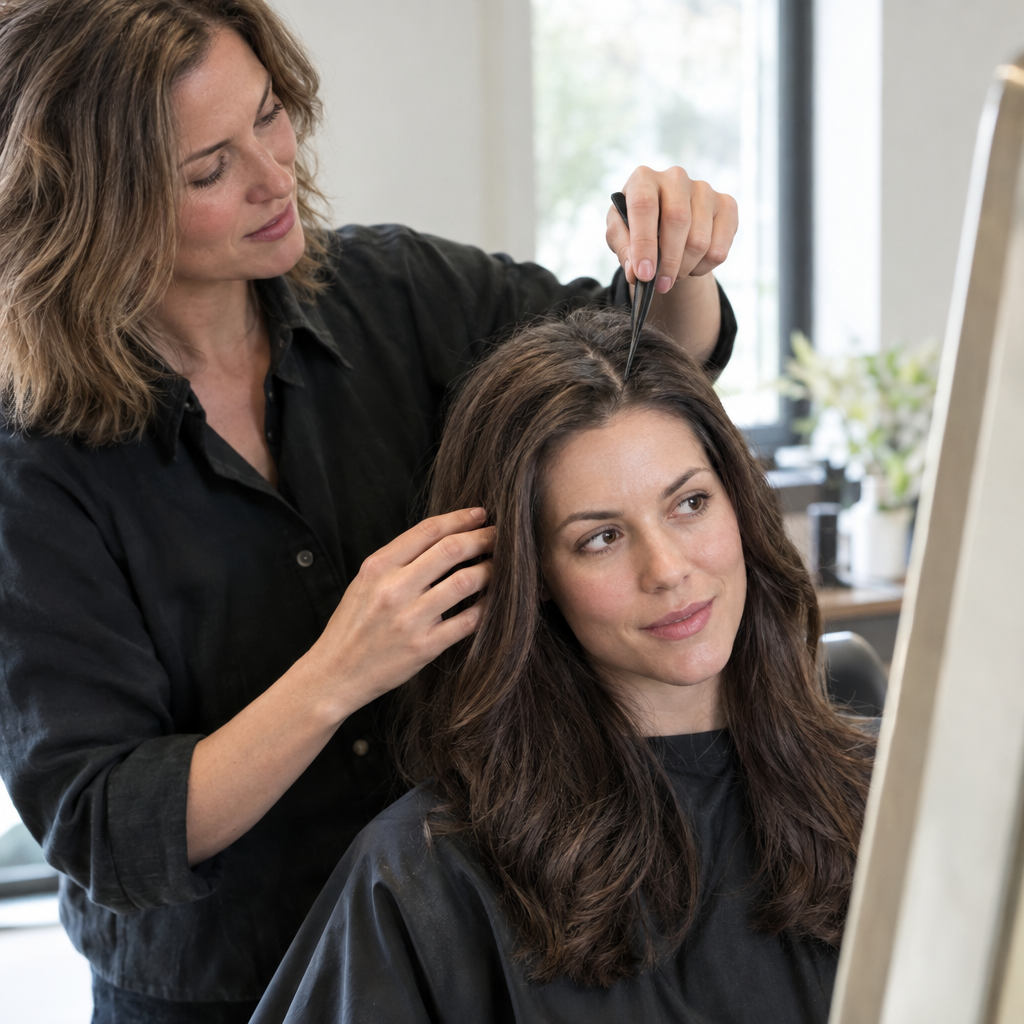
A tilted selfie or hair covering the jaw can change the apparent proportions before AI analyzes anything. Use this repeatable setup for both shape estimation and hairstyle previews:
- Position the camera at eye level. Face it straight on, with your head upright rather than tilted or turned.
- Keep a neutral expression. Relax your jaw and lips. A broad smile changes the outline of the cheeks.
- Use soft, even light. Face a window or use diffuse lighting without strong shadows across the forehead, cheeks, or jaw.
- Expose the facial outline. Move hair away from the forehead, temples, cheekbones, and jaw.
- Include the whole head, ears, neck, and some shoulders. A tight crop removes useful context for hairstyle length and volume.
- Move the camera back. About 3–5 feet, or 1–1.5 meters, is a practical starting distance if you can use a timer or have someone take the picture. Use the standard camera rather than an ultrawide lens, then crop if needed.
- Turn off appearance-altering effects. Avoid beauty filters, face reshaping, and effects that blur the hairline or change facial proportions.
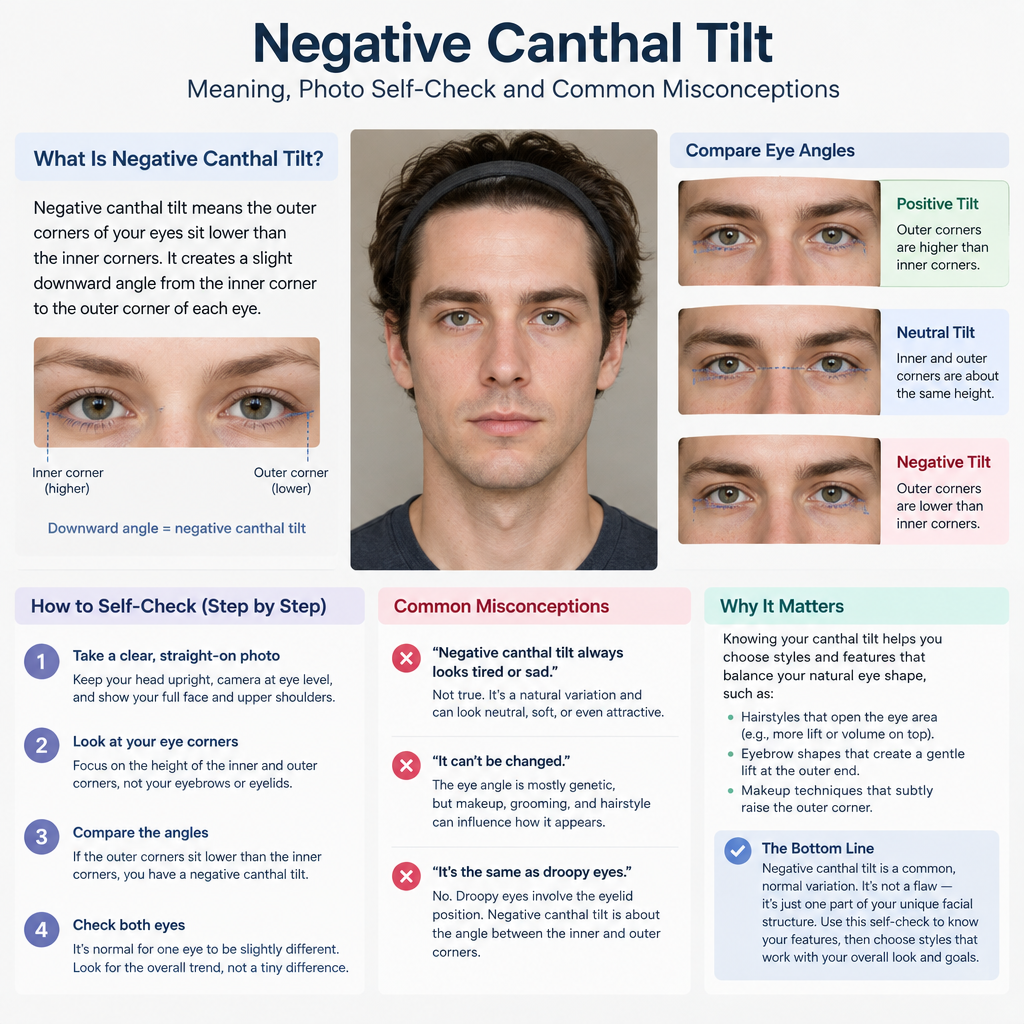
Distance matters because a close camera can exaggerate the features nearest the lens. Glasses, facial hair, contour makeup, and hair across the cheeks can also influence the visible outline. Even a carefully taken photo remains a two-dimensional view, not an exact record of facial structure.
Estimate Your Face Shape With Four Observations
Look at the outline before choosing a category. You do not need precise measurements to make four useful comparisons:
- Apparent length: Does the face look noticeably longer than it is wide, or closer in length and width?
- Widest area: Is the forehead, cheekbone area, or jaw the widest-looking region?
- Forehead-to-jaw relationship: Are they similar in width, or does one appear broader?
- Jaw and chin contour: Does the lower outline look curved, angular, tapered, or broad?
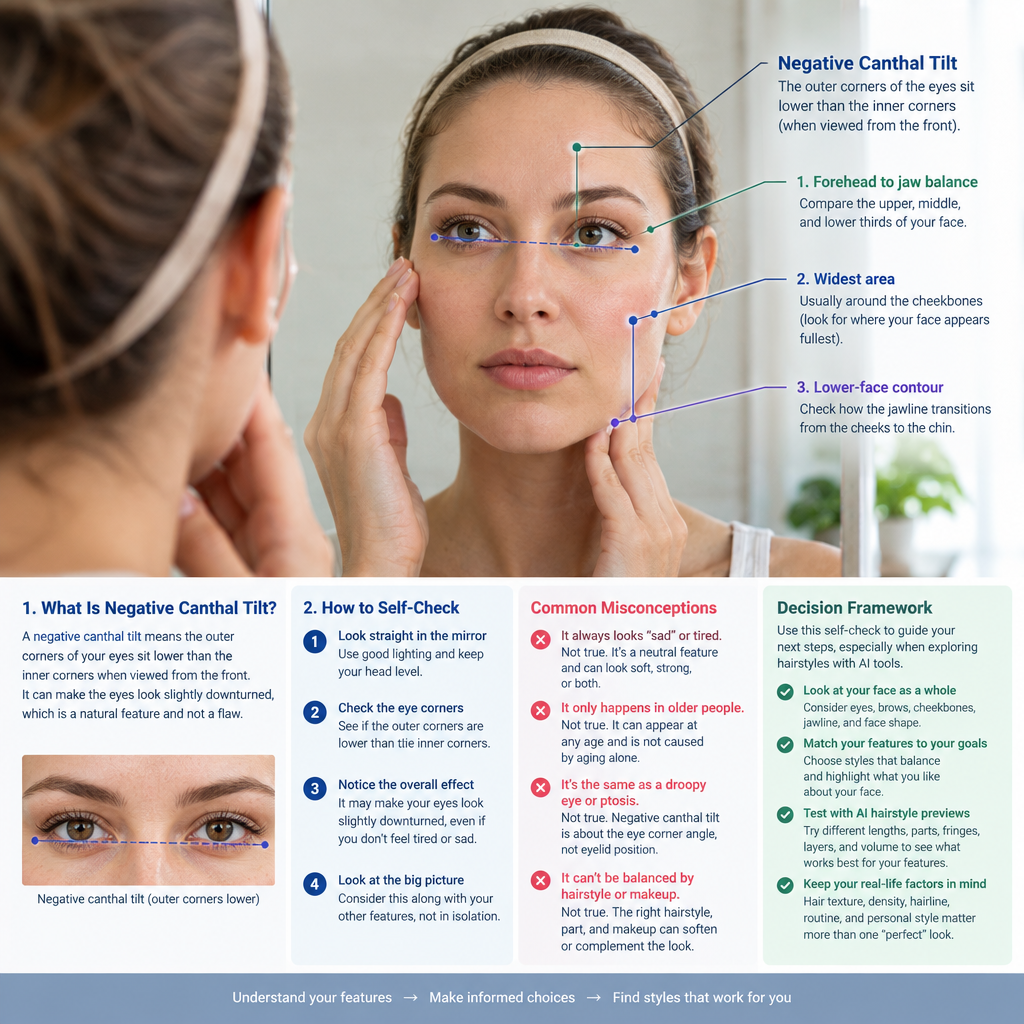
These observations often suggest the following patterns:
- Oval: Longer than wide, with gently curved contours and a jaw narrower than the cheekbone area.
- Round: Length and width appear relatively similar, with a curved jaw and fuller-looking cheek outline.
- Square: Forehead and jaw appear similar in width, with more angular jaw corners.
- Heart: A broader-looking upper face that tapers toward a narrower chin.
- Diamond: Cheekbones appear widest, with a narrower forehead and jaw.
- Oblong: Noticeably longer than wide, often with fairly similar widths through the forehead, cheeks, and jaw.
- Triangle: The jaw appears broader than the forehead.
Mixed results are normal. “Longer face with a broad, angular jaw” may be more useful for hairstyle decisions than forcing a choice between square and oblong.
You can also estimate your face shape from a photo as a starting point. Treat the result as an AI-generated estimate, not an exact measurement. Categories simplify continuous differences, so a face near a boundary can reasonably receive different labels.
Match Face Shapes to Hairstyle Effects, Not Fixed Rules
Choose an effect you want before choosing a cut. You might prefer more forehead exposure, soft movement around the jaw, a wider silhouette, or a distinctly geometric outline. None is inherently better.
Oval: Let Texture and Preferred Emphasis Lead
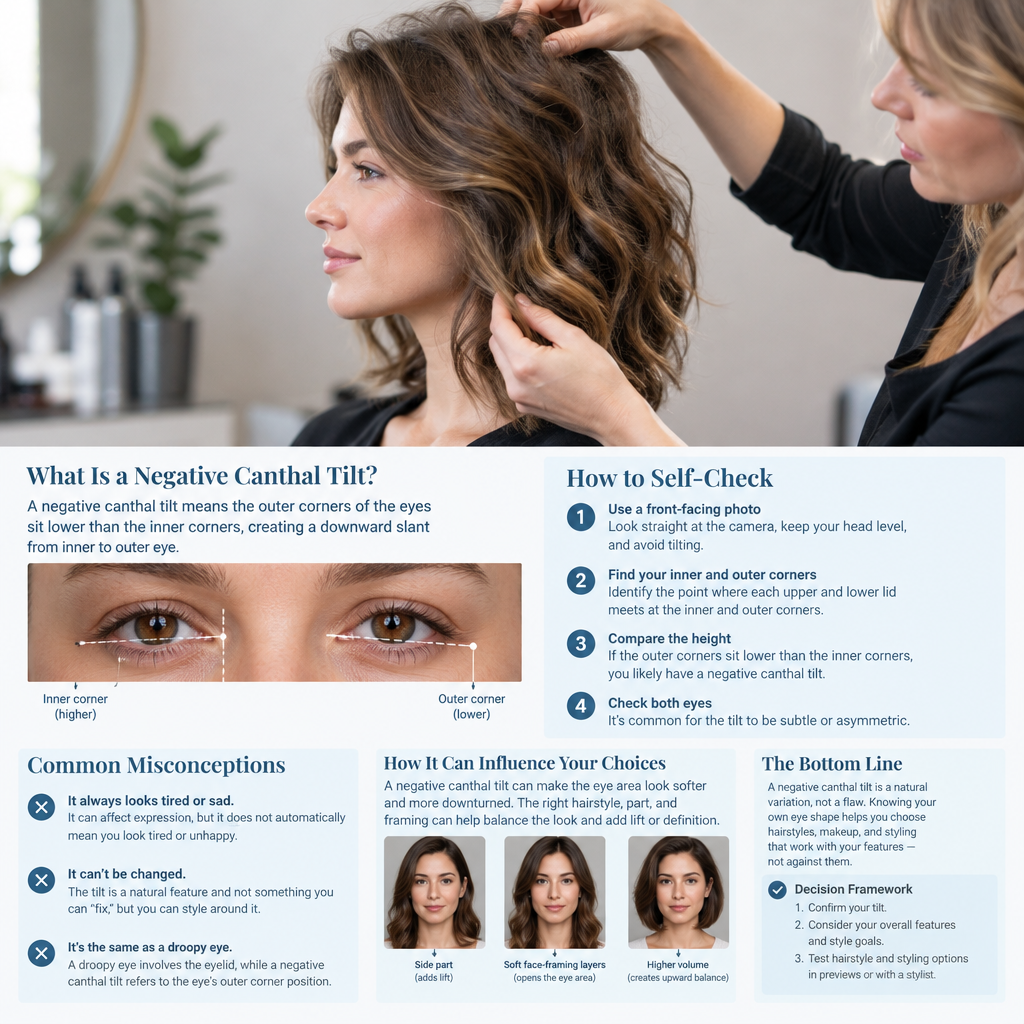
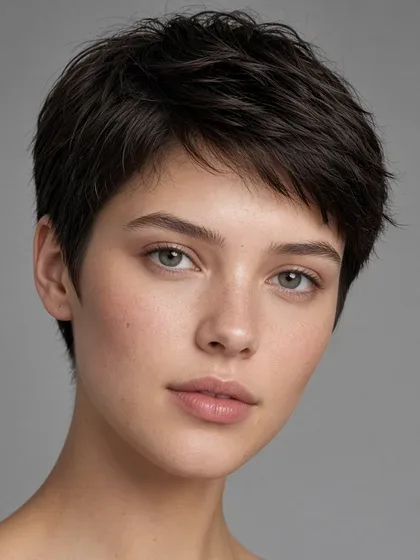
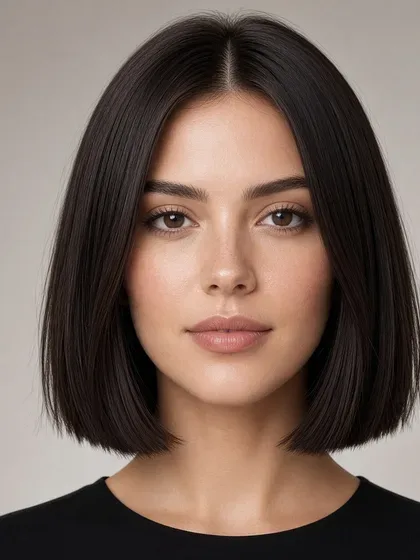
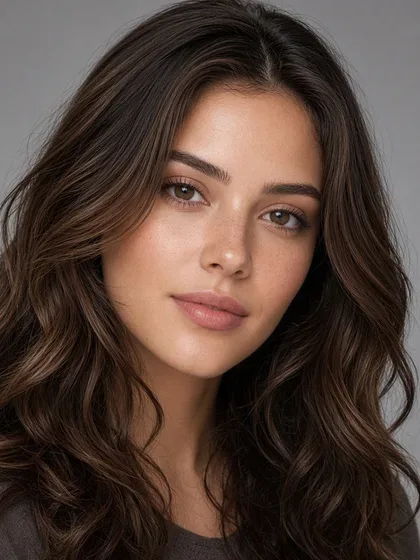
An oval estimate rarely narrows the options much by itself. A cropped coily shape with crown height, a blunt straight bob, and long waves create very different outlines.
Compare where you want attention. A jaw-length edge emphasizes the lower face, while a swept-back crop exposes more of the forehead and cheekbones. Hairline, styling habits, and preferred length may decide more than the category does.
Round: Compare Vertical Emphasis With Cheek-Level Fullness
A short cut with closer sides and height on top can emphasize vertical length. Longer face-framing sections can create a similar directional effect.
A rounded bob or curls with fullness beside the cheeks emphasize width and a curved silhouette instead. Choose that effect if you enjoy a fuller frame. It is not something you need to avoid.
Square: Choose Between Movement and Defined Lines
Wavy layers, a side-swept fringe, or loosely shaped curls introduce curved lines around an angular jaw. The location matters. Layers that open near the cheekbones frame differently from layers beginning below the jaw.
A blunt jaw-length bob or geometric crop can emphasize angularity. Ask whether you prefer movement around the jaw or a clear outline that echoes it.
Heart: Shift Framing Between the Forehead and Jaw
Curtain or side-swept fringe changes forehead exposure. A bob with weight near the jaw, shoulder-length waves, or curls that expand below the cheeks can give the lower silhouette more fullness.
Swept-back hair takes the opposite direction by exposing the upper face. Compare the framing you like rather than assuming the forehead needs covering.
Diamond: Decide How Much Cheekbone Exposure You Want
A tucked short style exposes the cheekbones, while forward-falling sections create a frame around them. Side-swept fringe adds a diagonal line across the forehead.
Fullness near the temples or jaw changes the contrast with the cheekbone area. For example, a rounded curly bob and a sleek center-parted style can share the same length but distribute width differently.
Oblong: Compare Side Fullness With a Longer Outline
A chin-to-shoulder bob, a rounded curly shape, or fringe can interrupt the impression of uninterrupted vertical length. Fullness beside the cheeks adds width.
Long, close-to-the-head hair or extra crown height emphasizes a longer outline. That may be exactly the effect you prefer. Face shape does not rule out long hair.
Triangle: Adjust the Upper Silhouette
Temple fullness, a textured crop, or curls shaped around the upper sides can make the upper hairstyle outline appear broader relative to the jaw. Crown height adds vertical emphasis instead, so those choices are not interchangeable.
With braids or twists, compare a side-swept arrangement, a rounded bob-length shape, and an updo. Their finished outlines matter more than applying haircut terminology to a protective style.
Once you can name the effect you want, use that description to explore hairstyle ideas. “Shoulder length with jaw-level fullness” gives you a more focused starting point than “styles for a heart-shaped face.”
Use Six Variables to Understand Why a Preview Looks Different
A haircut name is shorthand, not a complete description. Two versions of a layered bob can frame the face very differently.
Break each preview into six variables:
- Silhouette: The overall outline, such as rounded, tapered, geometric, close to the head, or expansive. This determines the broad shape surrounding the face.
- Length: Where the ends land relative to the cheekbones, jaw, shoulders, or torso. A strong edge can draw attention to that level.
- Part: Center, off-center, or side placement redistributes visible hair and forehead exposure. A side part can create an uneven sweep, while a center part creates more even framing.
- Fringe: Full fringe covers more forehead; wispy fringe leaves gaps; curtain fringe opens centrally; side-swept fringe adds a diagonal. Short fringe exposes more forehead below its edge.
- Layers: Their starting point changes where hair releases weight and moves. Cheek-level layers can open around the upper face, while longer layers keep that area more enclosed.
- Volume placement: Crown height, temple fullness, cheek-level width, and weight near the jaw each emphasize a different region.
These features interact. Silhouette is partly the result of length, layers, and volume, so an AI image may not isolate them perfectly. For a useful comparison, keep every feature except your chosen variable as consistent as possible.
Account for Your Real Hair Before Shortlisting a Style
An AI preview shows an appearance, not how the hair will behave after washing, sleeping, or walking outside.
Texture changes the result. Straight hair often shows blunt edges clearly. Waves can shift where an edge lands. Curls and coils can look substantially shorter when dry than when stretched, and their shape affects how layers and fringe sit. Judge textured lengths in the finish you actually plan to wear.
Density is different from strand thickness. Density describes how closely hair grows across the scalp; strand thickness describes the size of individual hairs. Fine strands can be densely distributed, while coarse strands can be more sparsely distributed. Do not assume generated fullness is achievable simply because the texture looks familiar.
Growth patterns affect the daily work. A front cowlick may lift fringe or reopen a part. A distinctive hairline can remain visible in a short style. Current length limits what can be achieved immediately without added hair.
Protective styles need their own assessment. Compare the finished length, parting, outline, and volume placement of braids or twists. Discuss installation and comfortable tension with the stylist rather than treating the preview as a haircut diagram.
Climate and routine matter. Humidity can change frizz, shrinkage, and hold. Define your limits before choosing: five minutes or twenty in the morning, air-drying or regular blow-drying, occasional or frequent trims. A preview that requires a different routine may still be appealing, but the extra work should be a deliberate choice.
Compare AI Hairstyle Previews One Change at a Time
After estimating your face shape and choosing a framing goal, use Facefy’s Hair Style Try-On to preview hairstyle directions. Treat the images as visual experiments, then assess whether the details suit your actual hair and routine.
Before uploading, read the tool’s photo policy for information about retention, deletion options, training use, and public visibility. Choose an image without other people or sensitive background details.
Use this comparison method:
- State one preference. For example: “I want some forehead exposure with a slight diagonal frame.”
- Choose one variable. Start with part placement, length, fringe, layers, or volume placement.
- Keep the inputs fixed. Use the same source photo, color, texture, apparent density, and all other hairstyle features.
- Compare at least three previews. For part placement, use center, slightly off-center, and deeper side parts.
- View them at the same size. Note the specific framing difference, not whether the whole face looks “better.”
- Keep or reject each option for a stated reason. Then compare another variable within the preferred direction rather than generating an endless gallery.
Exclude a preview from the controlled comparison if it substantially changes facial identity, density, texture, or layers as well as your chosen variable. You cannot attribute the result to the part, for example, if the image also adds thicker hair and shorter layers.
Example: Three Parts, One Shoulder-Length Wavy Style
This illustrative decision record holds everything except the part constant.
Fixed inputs: Same photo, shoulder-length brown waves, medium apparent density, long layers beginning below the jaw, no fringe, and unchanged facial features.
Changed variable: Part placement.
Preference: A slight diagonal frame while keeping both eyes and most of the forehead visible.
- Preview 1, center part: The hair frames both sides evenly. Reject for this shortlist: it does not provide the desired diagonal sweep.
- Preview 2, slightly off-center part: A gentle sweep crosses the upper forehead without covering either eye. Keep: it matches the framing preference.
- Preview 3, deep side part: A larger section falls across one side of the forehead and partly covers an eye. Reject: it creates more coverage than wanted.
The shortlist contains Preview 2, not because an off-center part is universally more flattering, but because it meets the stated goal. If Preview 2 also added dense curls or cheek-length layers, discard it from this comparison and seek a version that preserves the fixed inputs.
Check Whether an AI Hairstyle Preview Is Believable
Use five checks before treating an image as a useful reference:
- Facial identity stays stable. Compare the eyes, nose, mouth, jaw, skin details, and apparent proportions with the original. A changed jaw can make the hairstyle comparison misleading.
- Hairline placement looks plausible. Inspect the forehead, temples, sideburns, and part. Watch for an unusually low hairline or painted-looking scalp transitions.
- Strands follow the head angle. The part and layers should wrap around the head rather than appearing pasted onto a different pose.
- Texture stays consistent. Curls, coils, waves, or straight strands should remain coherent. Watch for unexplained switches from tight coils to loose waves.
- Edges integrate naturally. Inspect ears, glasses, neck, shoulders, clothing, and background. Hair should not merge into frames, pass through the neck, or erase an ear.
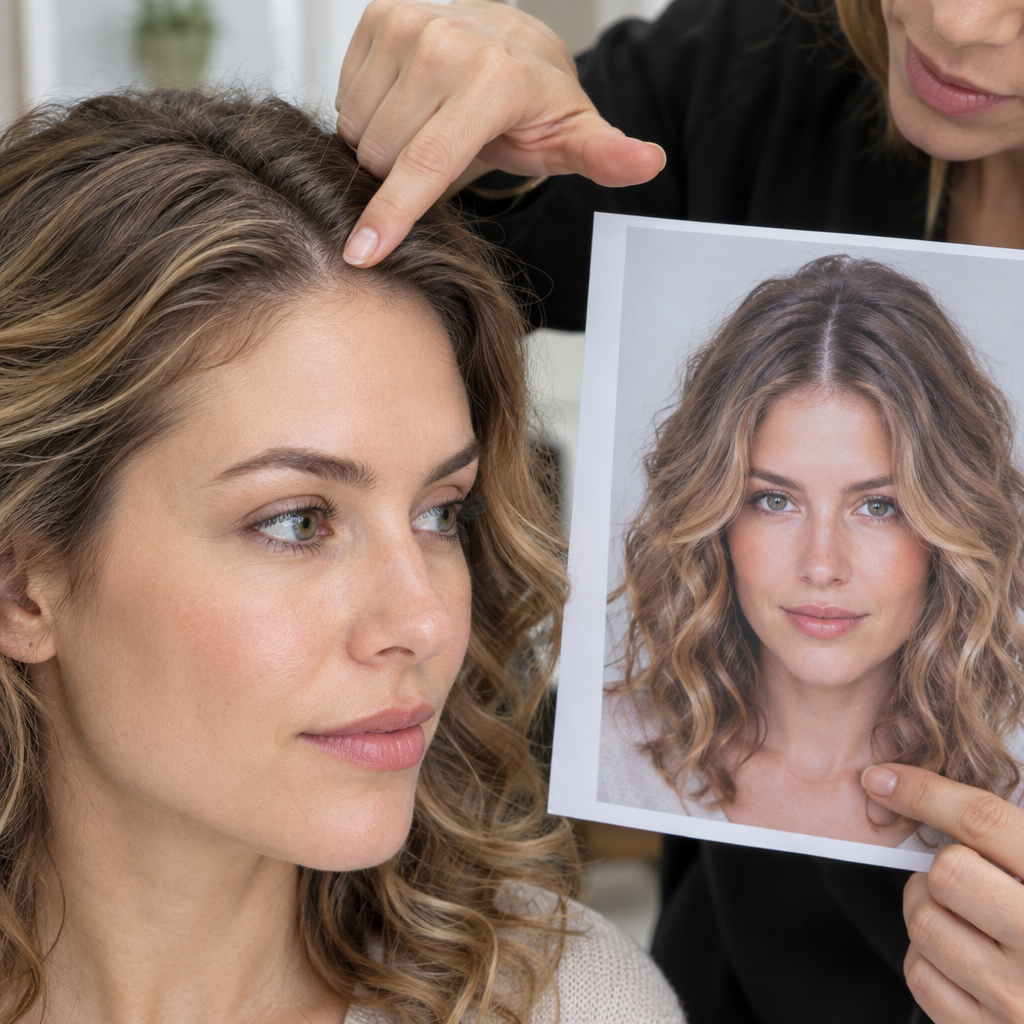
Floating sections, impossible shadows, duplicated accessories, and abrupt changes in volume also reduce reliability. An image can be visually appealing and still be technically unreliable or difficult to reproduce with your hair.
Handle Mixed Face Shapes and Other Difficult Cases
Some inputs need a more cautious decision than simply using the app’s label.
- Ambiguous or mixed shape: Keep both plausible descriptions, such as oval-oblong. Base the hairstyle choice on the observation that matters, such as a longer outline or broader jaw, instead of repeatedly seeking a definitive label.
- Curly or coily texture: Assess dry length, shrinkage, curl consistency, and where the shape expands. If the preview loosens the curl pattern, do not assume its length or volume will translate to your usual finish.
- Low density or a distinctive hairline: Check whether the preview preserves visible scalp, coverage, and temple shape. Generated fullness is not evidence that a particular cut will create it.
- Accessories or an obscured outline: Remove hats and, if practical, glasses for the shape-estimation photo. Move hair away from the face. Facial hair may hide the jaw, so leave that observation uncertain rather than guessing the underlying outline. Include your usual glasses or beard when considering the final hairstyle frame.
- Slightly different left and right outlines: A face does not need to fit a perfectly symmetrical category. Keep the head level rather than turning to make the sides look identical.
If results conflict, compare two or three photos taken under the same conditions. Changing lighting, pose, and camera distance each time adds uncertainty rather than resolving it.
Common Questions About AI Hairstyles and Face Shape
Are AI Hairstyle Previews Accurate?
They can communicate a style direction, but realism and feasibility vary. An image may convincingly show a jaw-length bob without predicting how your cowlick, density, or waves will behave. Use the preview to identify desired details, then ask a stylist what is achievable.
Is Short or Long Hair Better for a Particular Face Shape?
Length alone is not enough to decide. A close-sided crop and a rounded crop can have opposite effects on apparent width. Likewise, long hair with side fullness frames differently from long, flat hair. Compare silhouette and volume placement before ruling out a length.
Why Do Face-Shape Apps Give Different Answers?
Photo conditions, hair coverage, glasses, and facial hair can change the apparent outline. Tools may also classify proportions differently, particularly near category boundaries. A different label is not necessarily a reason to change your hairstyle plan if the underlying observations remain similar.
Turn Your Best Preview Into a Useful Stylist Reference
Bring one to three preferred previews alongside the original photo. Identify the details you want from each, such as the part from one image and the jaw-level movement from another, rather than asking for an entire generated image to be reproduced.
Ask how those details translate to your current length, texture, density, growth patterns, chemical history, and climate. If the outline would require extensions, frequent heat styling, substantial length removal, or a different texture, request an alternative that keeps the feature you care about most.
Reusable Salon Handoff Template
- Desired length: Where the ends should land when dry, plus the maximum length I am comfortable removing.
- Fringe or part: The type and placement I want, including how much forehead or eye coverage is comfortable.
- Volume placement: Where I want fullness and where I prefer a closer outline.
- Texture finish: My intended everyday finish, such as air-dried waves, defined coils, or a blowout.
- Maintenance tolerance: Daily styling time, heat use, products, and willingness to schedule trims.
- One element I do not want: A specific unwanted feature or styling requirement.
Completed Example
- Desired length: Ends touching my shoulders when dry; remove no more than about 2 inches or 5 centimeters.
- Fringe or part: Slightly off-center part, no fringe, and both eyes uncovered.
- Volume placement: Gentle fullness from the jaw downward, without extra crown height.
- Texture finish: My natural loose waves, air-dried or briefly diffused.
- Maintenance tolerance: About ten minutes daily, a lightweight styling product, no daily flat-ironing, and trims roughly every eight to twelve weeks if suitable for the cut.
- One element I do not want: Short cheek-level layers that fall forward when I tuck my hair behind my ears.
The preview is a conversation aid, not a guarantee of an identical real-world result.