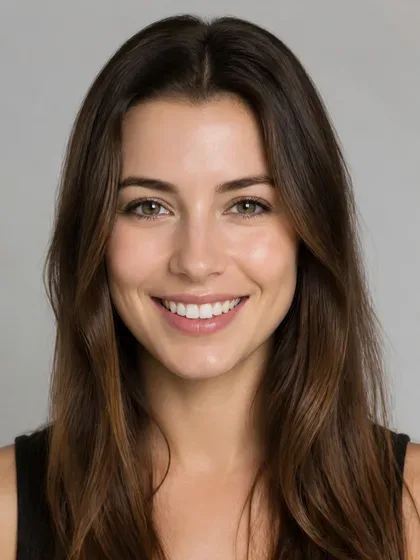
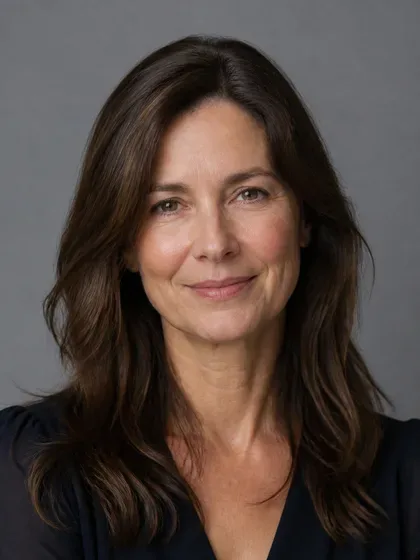
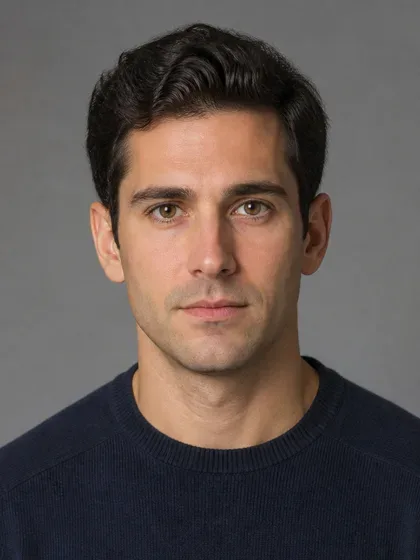
Age Calculator by Photo: How It Works and Why Results Vary
Learn how a photo age calculator estimates apparent age, why results vary, how to take a clear photo, and how to interpret results responsibly.
A birth-date calculator determines chronological age from a known date of birth. An age calculator by photo does something different: it estimates apparent age, meaning how old someone may look in a particular image.
That result is an AI-generated interpretation, not an exact age or proof of someone’s birth date. Lighting, expression, camera position, image quality, styling, and editing can all change the estimate without changing anything about the person’s actual age.
What an age calculator by photo can tell you
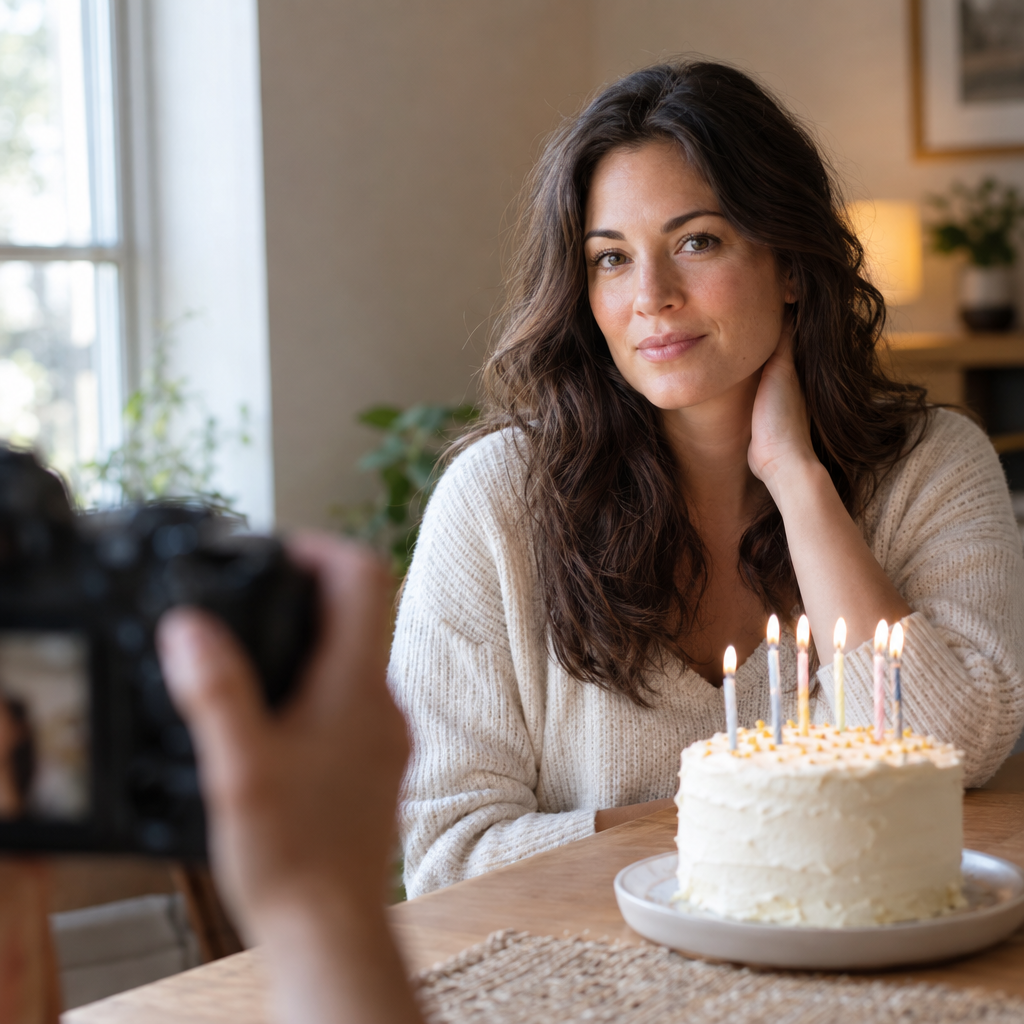
The key distinction is between a fact about a person and an interpretation of their photograph:
- Chronological age: The time elapsed since birth, calculated using a known birth date and a reference date.
- Apparent age: An impression of age based on visible information, such as what appears in a facial photograph.
Photo age estimators generally use machine-learning models to associate patterns in an image with age-related patterns learned during training. Depending on the model, visible cues such as facial contours and skin texture may influence the output. The exact cues and their importance differ between tools.
A displayed number therefore means something like “this model interpreted this image as resembling this age.” It does not establish identity, date of birth, health, or legal adulthood.
A precise-looking number is not necessarily a precise estimate. Even when a tool displays a single age, it is more useful to read it as approximate than as a factual statement about the person.
How to use a photo age estimator
Start with a suitable image rather than trying to make sense of an unsuitable one.
- Choose a recent, single-person photo. Use an image containing one clearly visible face, with permission from the person pictured.
- Choose a straightforward pose. A front-facing image taken at eye level, with even lighting and a relaxed expression, makes comparisons easier.
- Check visibility and detail. The face should be sharp, with no sunglasses, mask, hands, or substantial hair covering key areas.
- Use an unfiltered original. Avoid beauty effects, substantial retouching, and heavily compressed copies.
- Review the service’s privacy terms, then submit the image. Pay attention to how photos are retained, deleted, and used.
- Read the output as apparent age. A number or range is an estimate based on that photo, not a calculation from a birth date.
Facefy’s Face Age Detector can provide a photo-based age estimate for this purpose. The same limits apply: the result reflects an interpretation of the submitted image, not proof of actual age.
Photo checklist for a more consistent estimate
Use this checklist when taking a new photo, especially if you want to compare a few images:
- One unobstructed face: Keep other people out of the frame.
- Eye-level camera: Face the lens directly without tilting your head upward or downward.
- Moderate distance: Avoid holding the camera very close. If practical, position it roughly 1–1.5 metres away and crop afterward while retaining enough detail.
- Soft, even light: Face a window with indirect daylight, or use another diffuse light source. Avoid strong shadows across half the face.
- Relaxed expression: Keep your eyes naturally open, your mouth relaxed, and your posture comfortable.
- Sharp image: Clean the lens, hold the camera steady, and check focus.
- Visible facial areas: Move hair away from the eyes and cheeks where practical.
- Minimal image alteration: Turn off beauty filters and avoid extensive retouching.
The suggested distance is a practical starting point, not a requirement for every camera. What matters is avoiding an extreme close-up while keeping the face clear.
Makeup, facial hair, hairstyles, and eyewear can change visible presentation. You do not need to change your everyday appearance, but keeping these factors similar makes comparisons more meaningful. None of them proves anything about chronological age.
Why the estimate changes between photos
The model receives an image, not direct access to a three-dimensional face. When the photograph changes, so does the information available for analysis.
| Variable | What changes | Consistency concern |
|---|---|---|
| Lighting direction | Shadows and visible texture | Details may appear or disappear |
| Camera height | Apparent facial proportions | Different views alter visible relationships |
| Camera distance | Perspective and relative feature size | Close-ups can exaggerate nearer features |
| Head angle | Visible facial areas | Turning hides or foreshortens features |
| Expression | Eye, cheek, and mouth contours | Movement changes age-related visual cues |
| Sharpness | Fine detail and edge definition | Blur, noise, compression obscure information |
| Filters or retouching | Texture, contours, and colour | Altered input can shift estimates |
| Obstructions | Available facial information | Hair, eyewear, hands, masks hide detail |
| Styling | Makeup, facial hair, hairstyle | Presentation changes between images |
Distance deserves particular attention because it can influence apparent facial proportions. A close camera can make nearer features appear larger relative to features farther away. A wide-angle selfie often involves this close viewpoint, but camera distance is central to the perspective effect. Cropping the same close-up does not undo it.
There is no dependable rule that a certain shadow, expression, or hairstyle always produces an older or younger estimate. The direction and size of a change depend on the image and the model.
Different services can also return different ages for the same photo because their models, training examples, and processing methods may differ.
Use the three-photo consistency check
The Three-Photo Apparent Age Check helps you see how much the output varies across comparable images. It is optional, not something you need to repeat routinely.
- Take three separate photos under similar conditions. Use a front-facing pose, eye-level camera, neutral expression, even light, similar distance, and no beauty filter.
- Keep presentation consistent. Use the same camera and similar framing, hairstyle, makeup, and eyewear.
- Submit each photo separately to the same tool. Record every estimate rather than keeping only the one you prefer.
- Find the lowest and highest results. These form the observed spread for those three photos.
- Stop after the planned comparison. More uploads are not automatically more informative.
For example, hypothetical outputs of 29, 32, and 30 give an observed spread of 29–32. This describes the tool’s outputs for those images. It is not a confirmed age range or a statistical confidence interval.
A narrow spread suggests similar outputs under those conditions, not proof of correctness. A wide spread suggests variability, not that one number must reveal the person’s “real” appearance.
Check whether the result is sensitive to one photo variable
If two images give noticeably different results, a small, controlled comparison may help explain why.
Keep the person, camera, distance, expression, background, and image settings unchanged. Then change only one factor, such as the direction of the light.
For example:
- Take one photo with soft light coming from directly ahead.
- Take another with the light coming from one side, without moving the camera or changing your pose.
- Compare the two outputs and note the difference.
If you choose to examine another factor, return to the original setup first. Otherwise, changing lighting, camera height, and expression together makes it impossible to tell which change contributed.
Phone cameras may automatically adjust exposure or processing, so this is only a practical comparison, not a tightly controlled experiment. A noticeable difference suggests sensitivity to the photographs, not a change in the person’s real age.
You do not need to run both this comparison and the three-photo check. Choose the one that answers your question, then stop.
What to do with difficult or unsuitable photos
Some images are better replaced than analysed repeatedly.
- Group photos: Crop to one face only if you have permission and the crop remains clear. If the face becomes small or pixelated, choose a dedicated portrait.
- Side profiles: Prefer a frontal image. A profile hides part of the face and presents features differently.
- Sunglasses or masks: Select an unobstructed photo rather than drawing conclusions from a covered face.
- Heavily edited photos: Use the unfiltered original when available. Otherwise, treat the output as a response to the edited image.
- Archival photographs: The result may estimate how old the person appeared when photographed, not how old they are now. It cannot establish the photograph’s date, the person’s identity, or their age at the time.
- Images of children: Obtain appropriate parent or guardian consent, respect the child’s wishes where applicable, and consider whether an upload is necessary. Never use the output to establish legal age.
- Extreme expressions: Choose a relaxed expression if your goal is comparability.
- Low-resolution or compressed images: Look for a sharper original. Enlarging a poor-quality copy does not recover missing detail, and enhancement tools may introduce artificial detail.
Decision rule: If the face is obscured, heavily altered, or too unclear to inspect comfortably, choose another image rather than assigning meaning to the result.
How to interpret an apparent-age result responsibly
Use wording that matches what the tool actually provides: “The estimate for this photo was about 35,” rather than “The AI determined that I am 35.”
If you used three comparable photos, the minimum-to-maximum spread gives context for the variation you observed. It does not prove that your chronological age falls within that range.
An apparent-age estimate cannot establish:
- Health, biological age, or lifestyle.
- Genetics or maturity.
- Attractiveness or personal worth.
- Identity or birth date.
Looking younger is not inherently better, and looking older is not inherently undesirable. A result above or below your actual age is not a verdict on how well you are aging.
For readers interested in exploring facial characteristics beyond apparent age, Facefy’s AI Face Report offers a broader approach to image-based facial analysis. Its findings should likewise be interpreted in the context of the submitted photograph rather than as definitive judgments about appearance, health, or biological age.
Performance may vary across images and people. Training data may represent some demographic groups or photographic conditions better than others, so you should not assume equal reliability across ages, skin tones, or other characteristics.
If the process starts to cause anxiety, appearance fixation, or repeated attempts to obtain a preferred number, stop. The estimate is optional information about a photograph, not a personal benchmark you need to improve.
When a photo age estimate should not be used
A consumer apparent-age estimate is unsuitable for decisions that require documented age, established identity, professional assessment, or fair eligibility criteria.
Do not use it for:
- Legal age decisions, including deciding whether someone is an adult.
- Identity checks or access control, such as account recovery or secure entry.
- Medical assessment, including conclusions about health or biological aging.
- Employment or recruitment screening.
- Insurance, education, benefits, or other eligibility decisions.
- Access to age-restricted products, services, or spaces.
When age or identity matters, use official documents and the appropriate qualified process. When the question concerns health, seek an appropriate healthcare professional rather than interpreting a cosmetic image estimate.
Privacy and consent before uploading a face photo
A face photo can reveal more than appearance. Its background may expose an address, school, workplace, personal documents, or other people.
Before submitting an image, apply three checks:
- Permission: Is it your photo to submit? Ask another adult for consent before uploading their image. For a child, obtain appropriate parent or guardian consent and consider whether uploading is necessary at all.
- Exposure: Can you remove sensitive background details? Crop out documents, addresses, school information, location clues, and uninvolved people.
- Data handling: Do you understand the service’s published terms on retention, deletion, and image use?
Do not assume that an image stays on your device, is deleted immediately, or cannot be reused unless the service explicitly states those terms. If the information provided is insufficient for your comfort, do not upload.
Confidential, intimate, or otherwise sensitive images are not worth submitting merely to satisfy curiosity about apparent age.
Questions about AI photo age estimates
Can AI determine an exact age from a photo?
No. A photo age calculator estimates apparent age from visible information. Exact chronological age requires a known birth date and a reference date.
Why do different photos produce different results?
Lighting, pose, expression, camera distance, focus, styling, and editing change the input. Different models may also interpret the same image differently.
Can makeup, facial hair, or glasses affect the estimate?
Yes. They may change presentation or obscure information. There is no fixed rule that any one of these will always increase or decrease the estimate.
Can I use an old photograph?
You may receive an estimate of how old the person appeared in that image. It will not establish their current age, birth date, or the date the photograph was taken.
Can I use a group photo?
A clear crop containing one face, submitted with permission, is preferable to a full group image. A dedicated single-person portrait is usually more suitable because it preserves more facial detail.
Can the result determine whether someone is legally an adult?
No. An apparent-age estimate is not proof of legal adulthood and should not decide access to age-restricted products or spaces.
Can it be used for medical or identity purposes?
No. It is neither a diagnosis nor an identity check. Its useful scope is much narrower: understanding how an AI model interprets apparent age in a particular photograph.